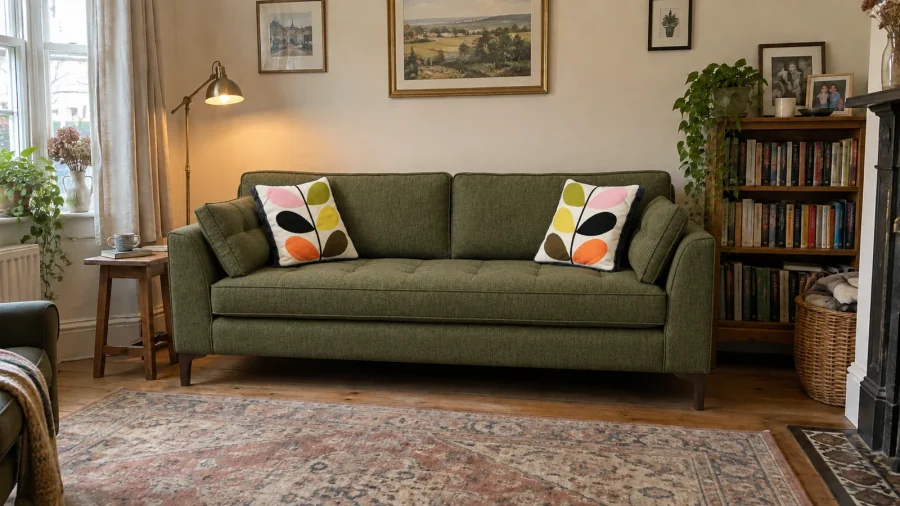
Use Browse Material Shots to see the material scenes available to your account. Buying a shot spends tokens.
Buy a material shot
- Open Browse Material Shots.
- Find the shot you want to buy.
- Choose Buy Now.
- Review the shot and token cost in Confirm Purchase.
- Choose Confirm Purchase to spend the tokens, or Cancel to leave without buying.
After a successful purchase, the shot shows Purchased and your token balance is updated. An already purchased shot cannot be bought again.
If Need More Tokens appears, check your balance or buy a token pack before trying again. If the page says No Material Shots Available, there are no shots available to browse at that time.