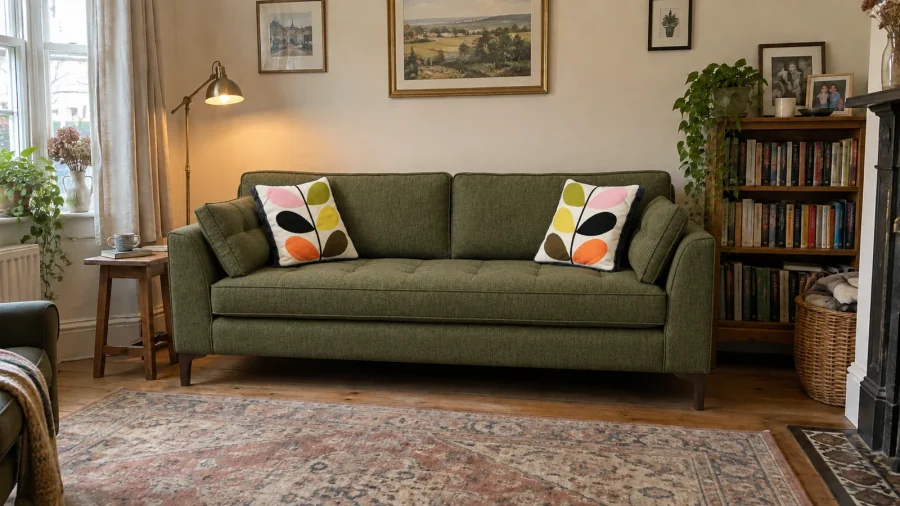
Use the AI editor to create images or video from your products, fabrics and references.
Choose a task
Create your first AI image
Choose a source image, write a prompt and generate an image.
Use the AI editor
Find source images, generation settings and your previous work.
Find prompt examples
Adapt examples for product pages, campaigns and fabric imagery.
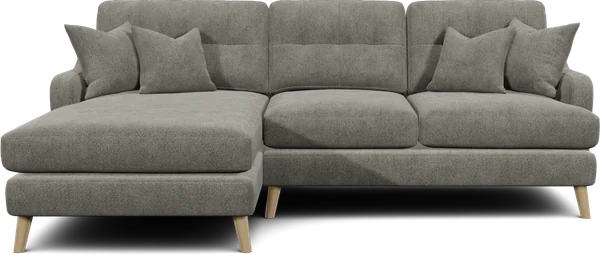
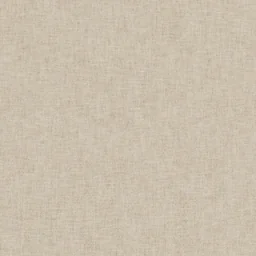
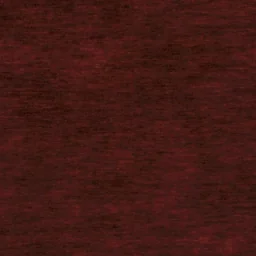
Create product cutouts
Render your product configurations before using them in AI.
Before you generate
Generation uses tokens. Review the cost shown on Generate before you start. You can check your balance or buy tokens.
Use an image of the product or fabric you want to show. Additional reference images can guide the setting or composition. Review generated images before using them in product listings.