
Building 3D Materials
Transform your uploaded images into realistic 3D material materials.
🏗️ Building 3D Materials
Transform your uploaded material images into realistic 3D materials using our intuitive material builder.
Step 1: Navigate to Material Setup
Go to https://app.orbital.vision/material-setup
Step 2: Select Your Material Range
Use the Select Range button at the top of the page to find the range you wish to setup.

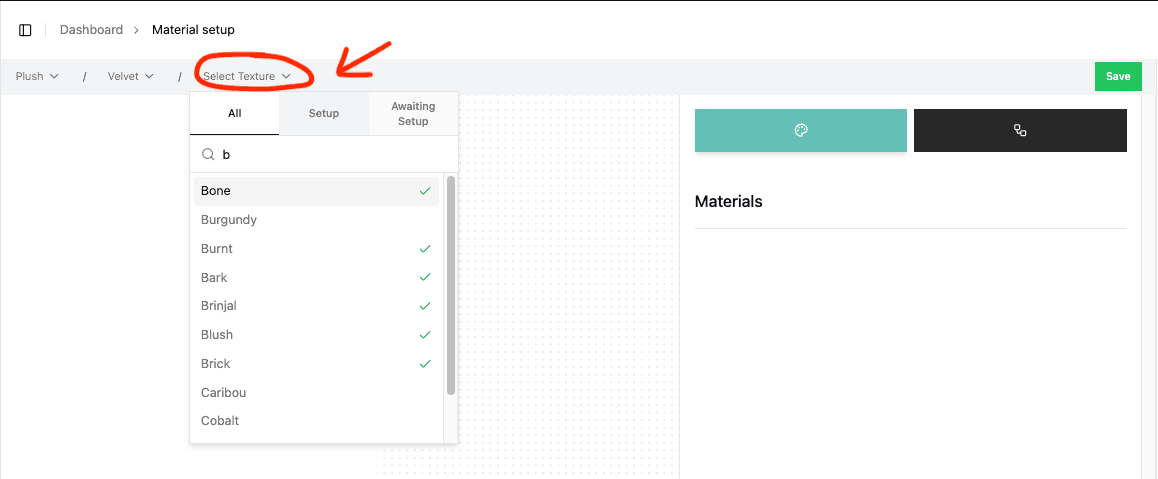
Step 3: Select Your Material
When selecting a material, a green check will indicate which materials have already been setup. You can also use the tabs to filter based on setup or non-setup materials.
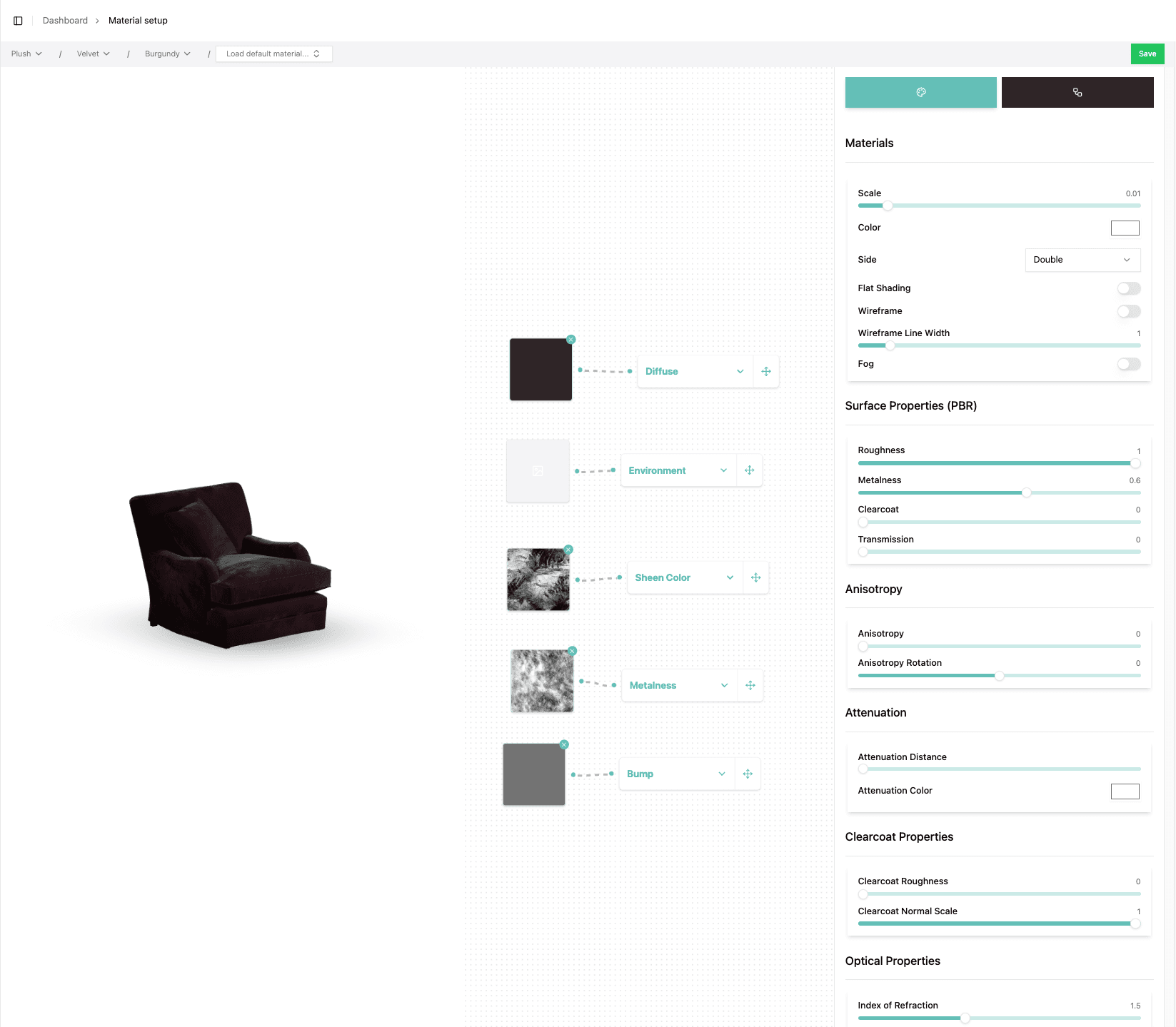
Step 4: Build Your Material
Once you have selected a material, the material menu will appear. Learn how to build materials here.
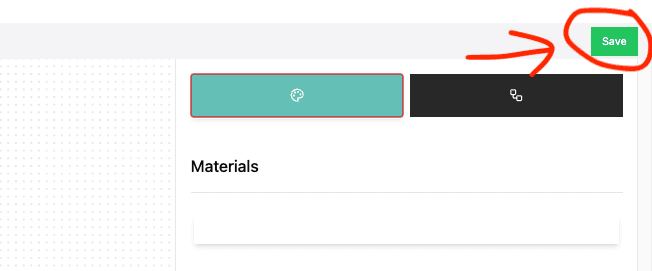
Step 5: Save Your Work
Once finished with that, click Save. You will see a notification at the top of the screen letting you know that the save has been successful.
You're good to go and move on to Rendering Materials into a Scene