
SKUs
Create and manage product variants with detailed SKU management
💡 Understanding SKUs
SKUs (Stock Keeping Units) are human-readable identifiers for ranges, products or selections.
A configured product will have a composite SKU indicating the full configuration of the product. This is a concatenation of the range SKU, product SKU, and all selection SKUs.
This composite SKU is used to identify the product in configurators and e-commerce platforms.
For example CLEO/3-SEATER-SOFA/BLACK-LEATHER/OAK could indicate a 3 Seater Sofa from the Cleo range, with a black leather fabric and oak legs.
Your SKUs apply across your whole catalog. Retailers who stock your products keep their own SKU mappings for them, so any whitelabelling they do never affects your SKUs.
✏️ Creating SKUs
SKUs are managed on the Pricing & SKUs page. (The old SKUs page now redirects there.)
In the "Give products & variants a price grade" step, you will be shown a table of your ranges, products and selections, grouped by category. Each row shows the "Selection" name, its "SKU", and its "Price or Grade".
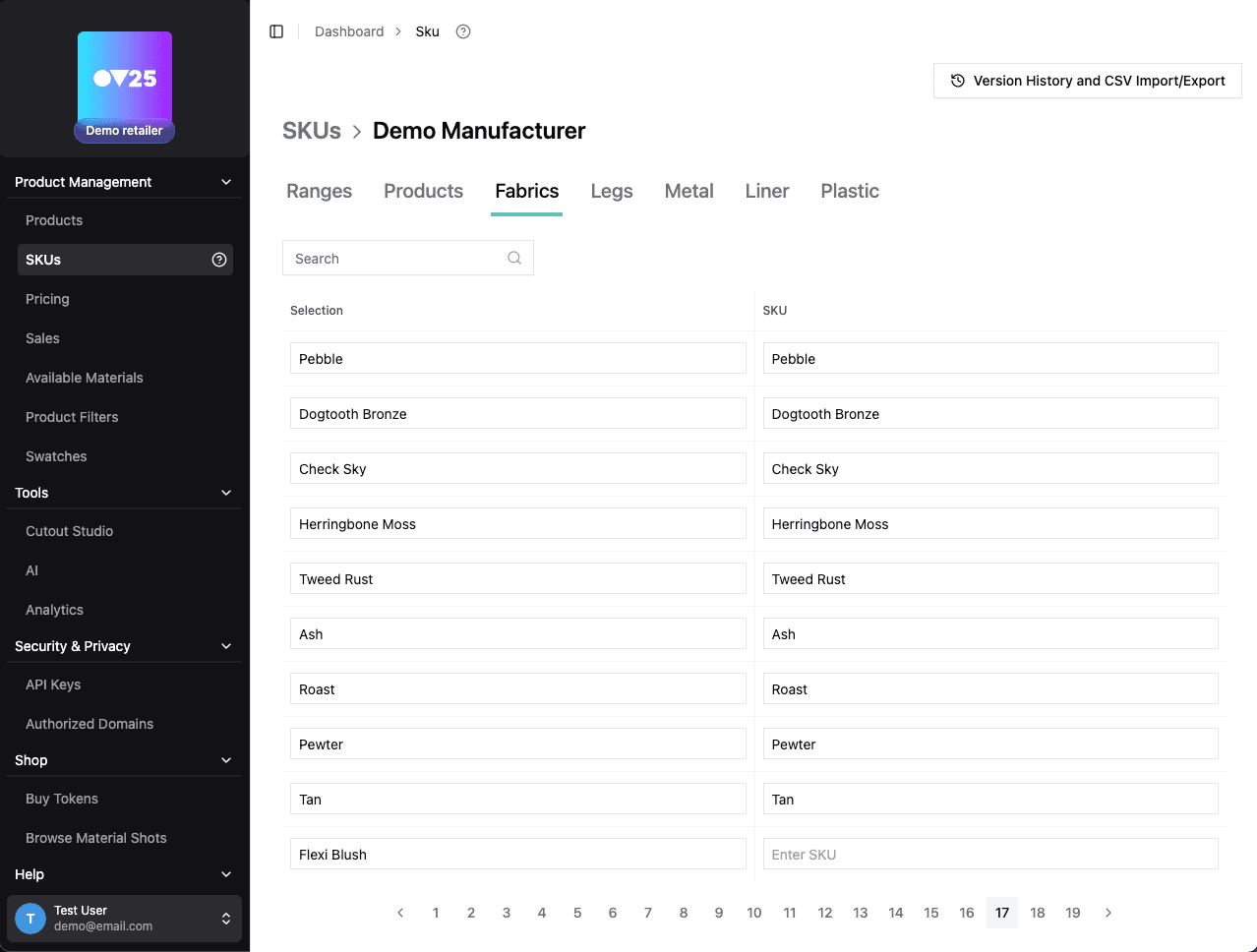
You can edit the SKU for each row directly in the table.
Selection names come from the options and selections in your 3D configurators (e.g. "Velvet Blue" under a Fabric option). You can rename them directly in this table, and the new name carries through to your configurators and SKU mappings.
🚀 Next Steps
After setting up your SKUs:
- Configure Pricing for your SKUs → Pricing Management